AI INTERIOR DESIGN FOR IPHONE
See the room before you redo it.
Take a photo of a room, pick the room type and say what you want in your own words. DreamSpace generates a redesigned version of it. Your first two designs are free.

Features
ROOM PHOTO
Start from your own room
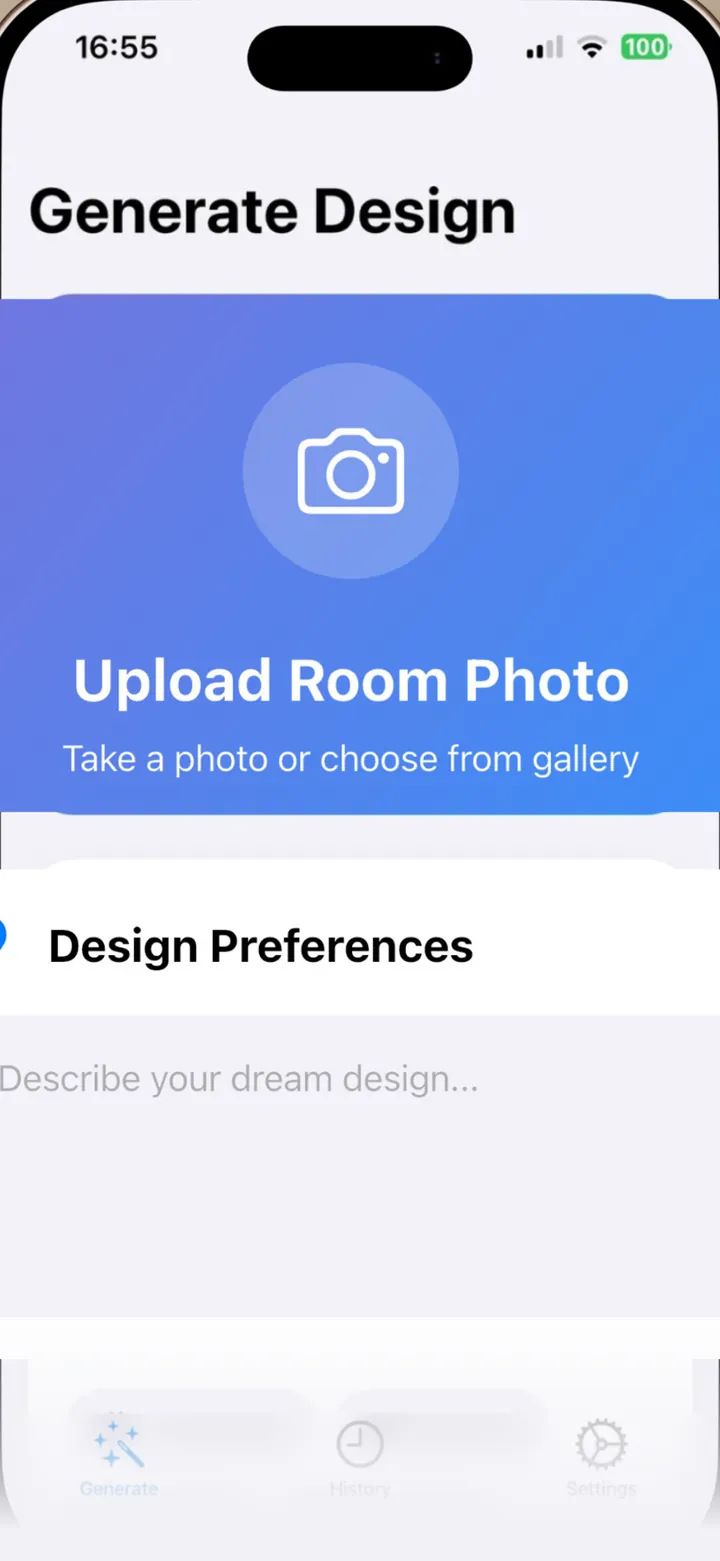
Take a photo with the camera or choose one from your library, then pick the room type: living room, bedroom, kitchen, bathroom, office or dining room.
YOUR DESCRIPTION
Describe it in plain words
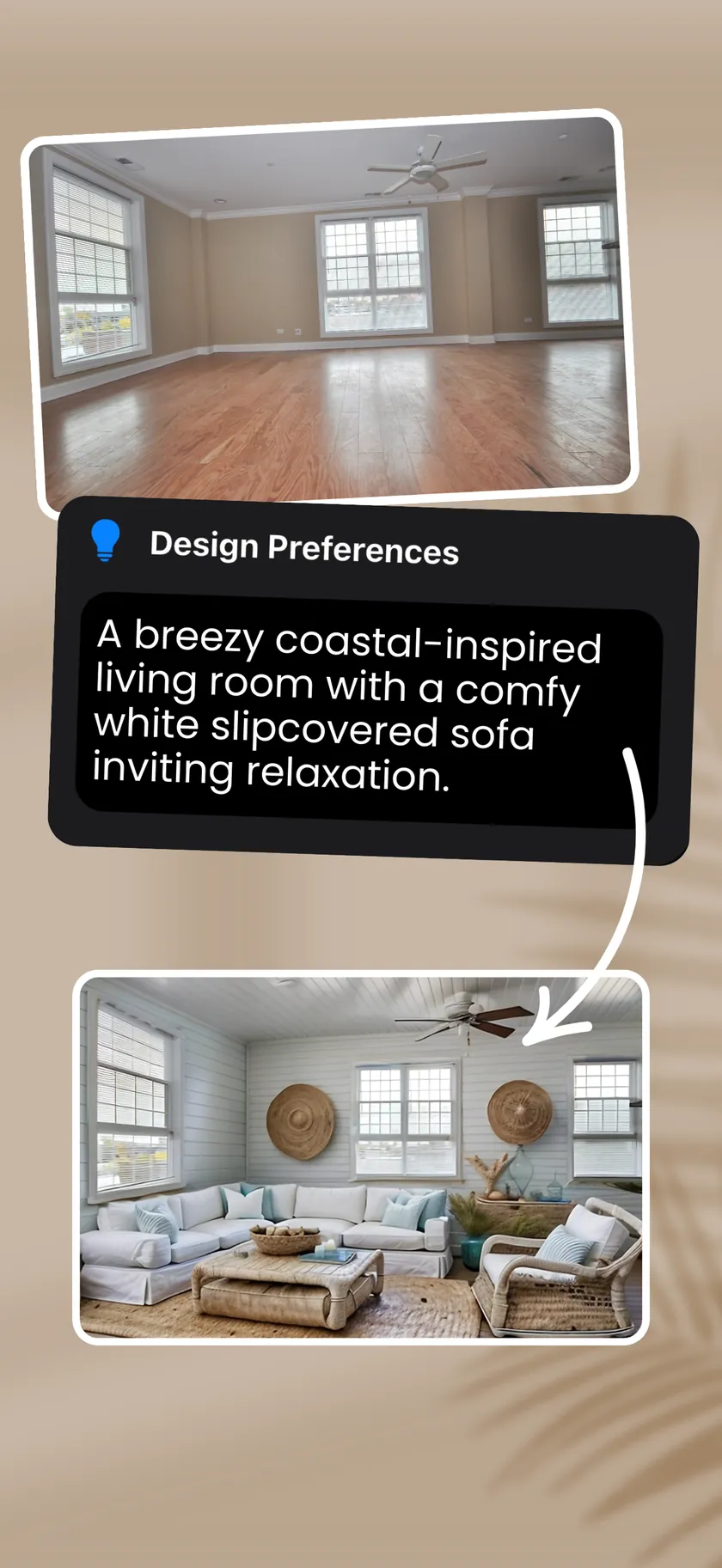
Write the look you have in mind, such as a coastal living room with a white slipcovered sofa. Short descriptions are filled out with design detail for the room type you picked.
SAVE AND SHARE
Keep the designs you like
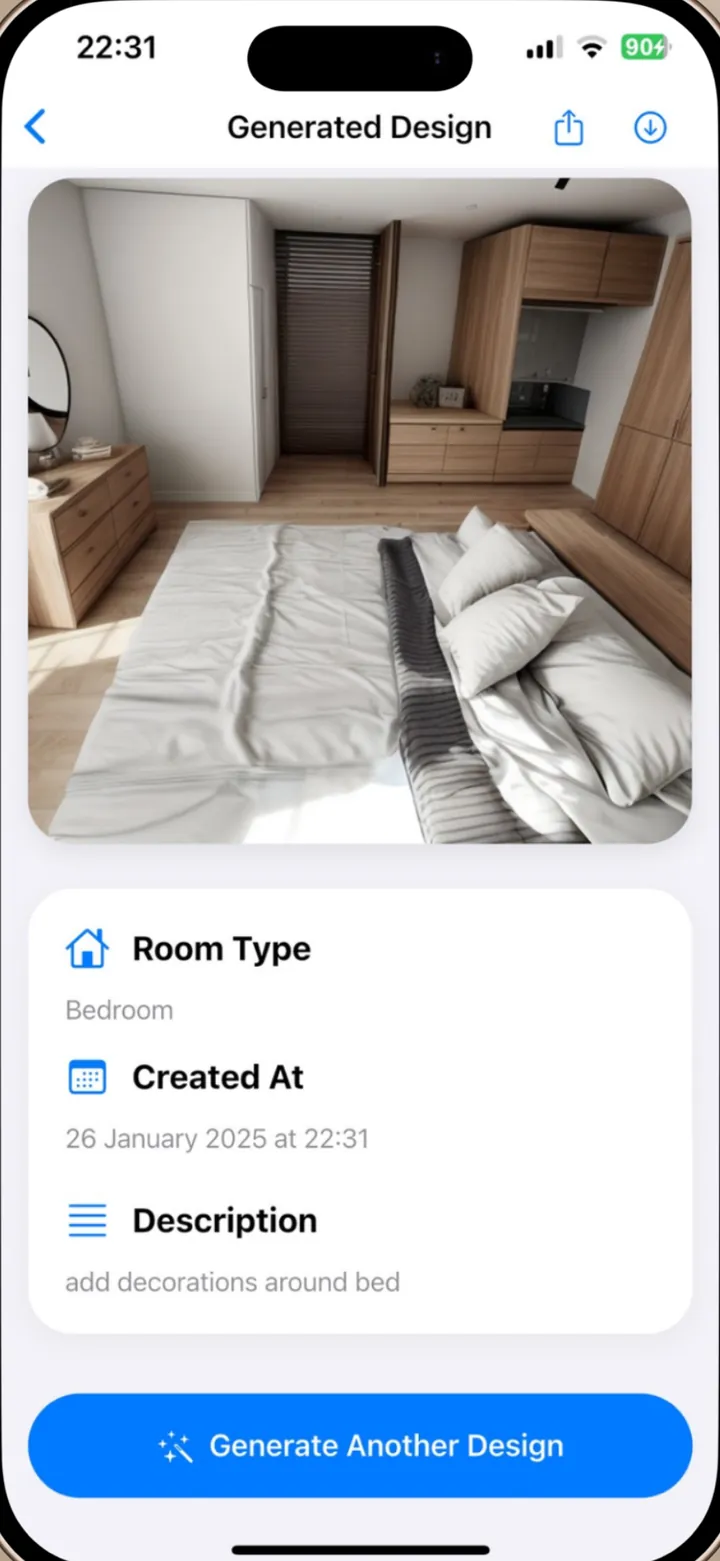
Save a result to your photo library or share it with family, a partner or a contractor. Each design shows its room type, date and the description you wrote.
HISTORY
Every design in one place
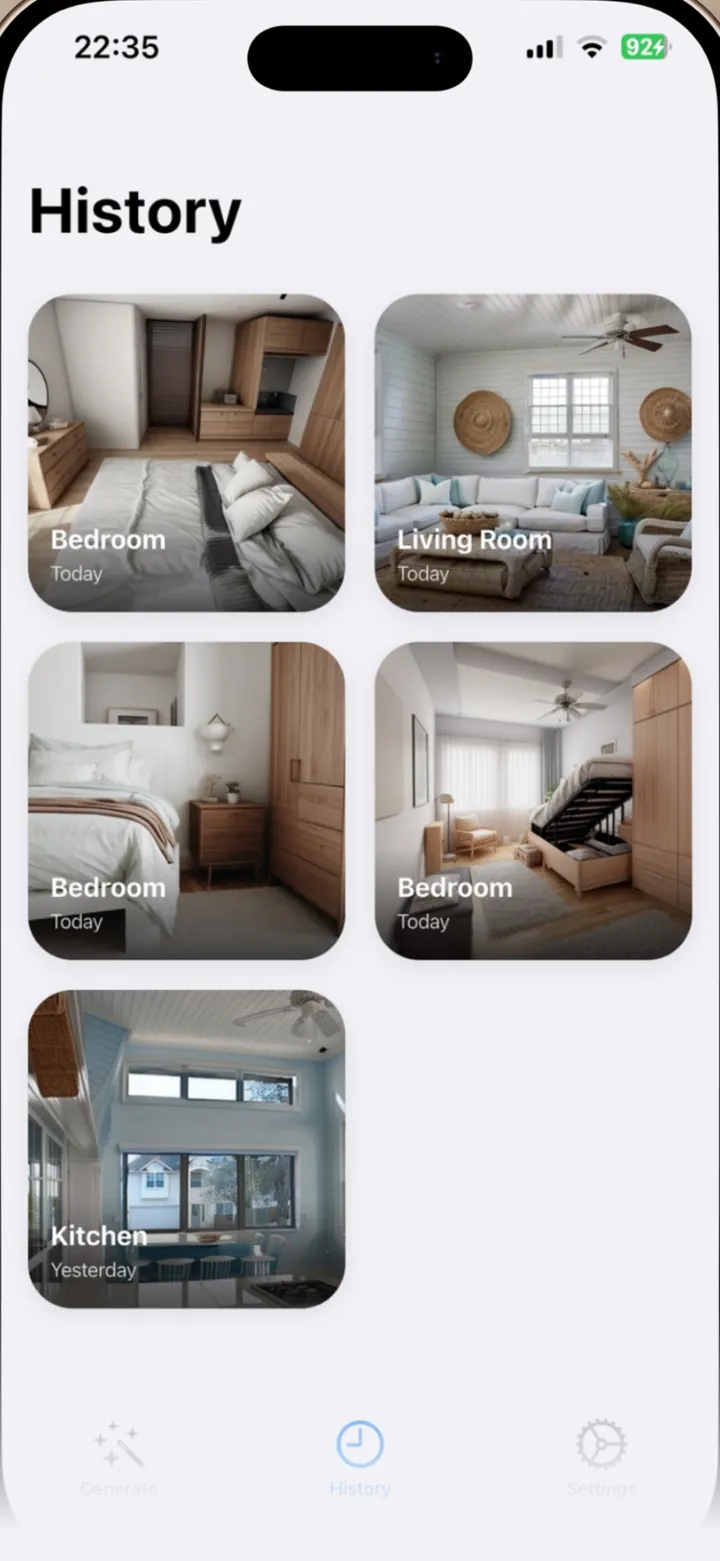
With Premium, the History tab keeps all the designs you have generated. Tap one to open it again, save it or share it.
How it works
How it works, in three steps.
-
Add a room photo
Use the camera or pick a photo from your library.
-
Choose the room and describe the look
Select one of six room types and type what you want the room to look like.
-
Generate
DreamSpace creates a redesigned image. Save it, share it or generate another.
Details
The details, worth knowing.
-
Six room types
Living room, bedroom, kitchen, bathroom, office and dining room.
-
Two free designs
Try the app with two designs before you decide on Premium.
-
No ads, no sign-up
There are no ads in the app and no account or email address to create.
-
Concept images, not plans
Results are AI visualisations to inspire a project. They are not measured drawings or professional advice.
Pricing
What it costs, in plain words.
DreamSpace is free to download, and your first two designs are free. Premium unlocks unlimited designs and your design history.
- Premium is offered as a weekly or three-month subscription, or as a one-time lifetime purchase. Prices are shown in your local currency on the purchase screen before you confirm.
- Subscriptions are charged to your Apple Account and renew automatically unless you turn them off at least 24 hours before the period ends. Manage or cancel them in iPhone Settings under Subscriptions.
- If you change device, open the purchase screen from Settings > Get Premium and tap Restore purchases.
How many designs can I make for free?
Two. After that, generating another design needs Premium. The count belongs to the app's anonymous user ID, and Delete All Data does not reset it.
Where are my free designs?
History is part of Premium, so free designs are shown on the result screen only. Use the save button there to keep a copy in your photo library.
What happens to my room photo?
The app uploads it to our Firebase Cloud Storage and sends a link to it to Replicate, the AI service that generates the new design. The generated image is stored in Firebase too. See the privacy policy for details and how long files are kept.
How do I delete my designs?
In Settings choose Delete All Data. That clears the app's preferences on your phone and deletes your design records, so History is emptied. It does not remove the image files from storage, so email apps@meliharik.dev if you want those deleted as well.
The result changed the room layout or looks off.
AI output varies. The app asks the model to keep the room's basic structure, but it cannot guarantee that. Try a clearer, well-lit photo and a more detailed description, then generate again.
How do I cancel or ask for a refund?
Open Settings on your iPhone, tap your name, then Subscriptions. Deleting the app does not cancel a subscription. Refunds are handled by Apple at reportaproblem.apple.com.

Get DreamSpace for iPhone.
Take a photo of a room, pick the room type and say what you want in your own words. DreamSpace generates a redesigned version of it. Your first two designs are free.